
Built-in UI
The fplayer core package ships a minimal panel called minimalFPanelBuilder. The optional fplayer_ui package adds a full playback bar, gestures, and a settings panel:
dependencies:
  fplayer: ^1.3.0
  fplayer_ui:
    git:
      url: https://github.com/FlutterPlayer/fplayer.git
      path: packages/fplayer_ui
import 'package:fplayer/fplayer.dart';
import 'package:fplayer_ui/fplayer_ui.dart';
fplayer_ui isn't published separately on pub.dev. It's maintained in the fplayer repository.
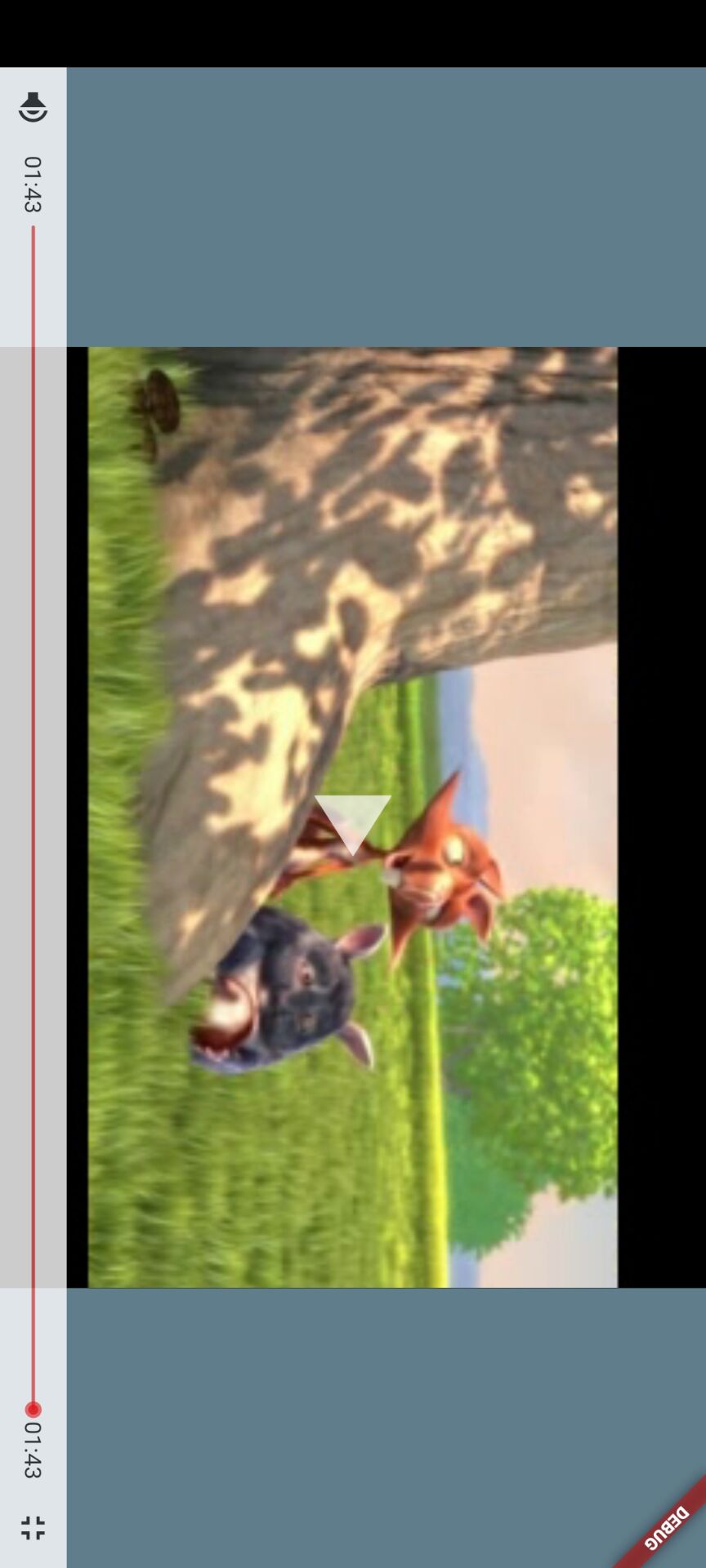
Default skin
The default panel in fplayer_ui covers the most basic playback capability.
Usage:
FView(
  player: player,
  panelBuilder: defaultFPanelBuilder,
)
Screenshot:
Advanced skin
The advanced skin extends the default UI with a playback bar, gestures, a settings panel, and more. You'll need the fplayer_ui dependency and imports shown above before using it.
Single video setup
Configuration for playing a single video.
Usage:
void initState() {
super.initState();
// Play the supplied video
player.setDataSource(widget.url, autoPlay: true, showCover: true);
}
void dispose() {
super.dispose();
player.release();
}
FView(
player: player,
width: double.infinity,
height: videoHeight, // Set these yourself; width / height = 16:9 here
color: Colors.black,
fsFit: FFit.contain, // Fill mode in fullscreen
fit: FFit.fill, // Fill mode in normal mode
panelBuilder: fPanelBuilder(
title: 'Video title',
subTitle: 'Video subtitle',
),
)
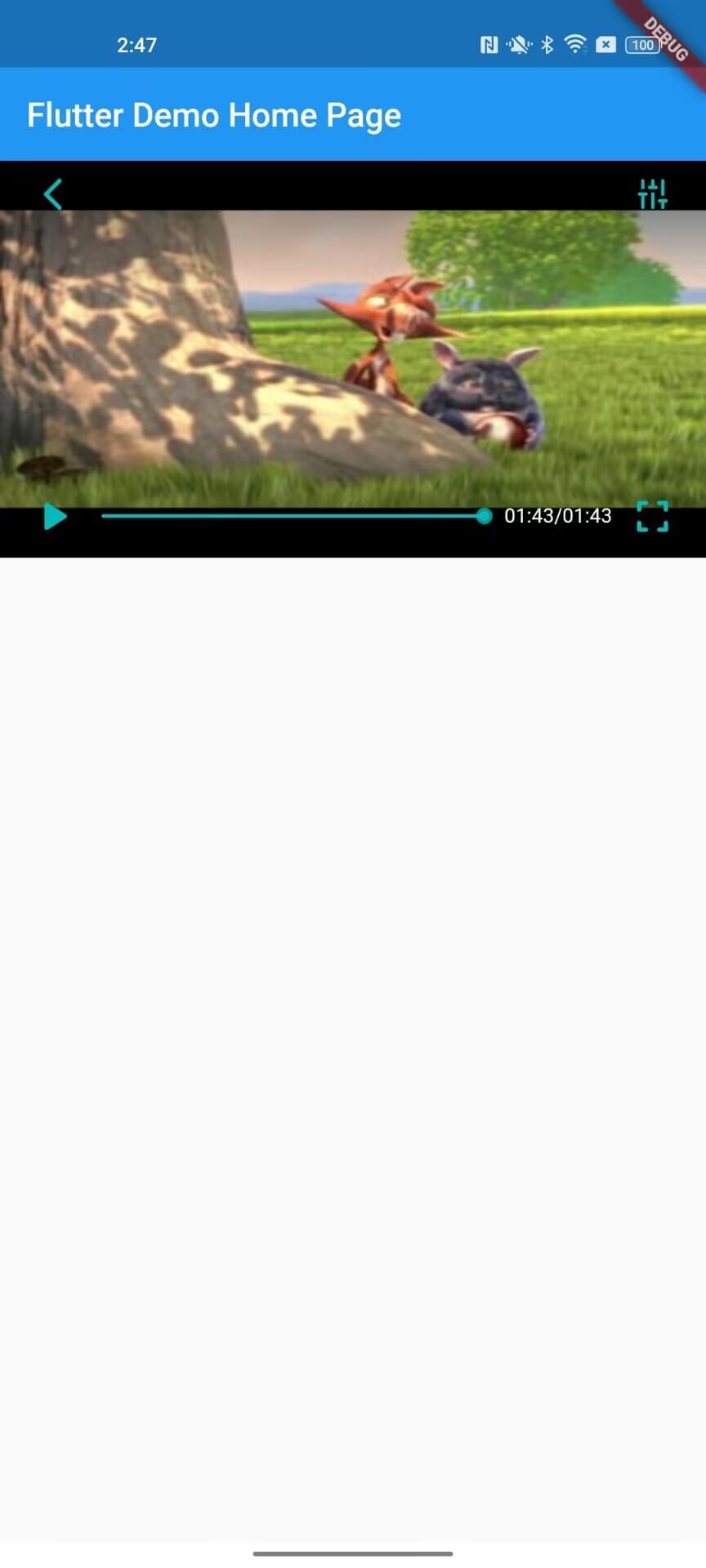
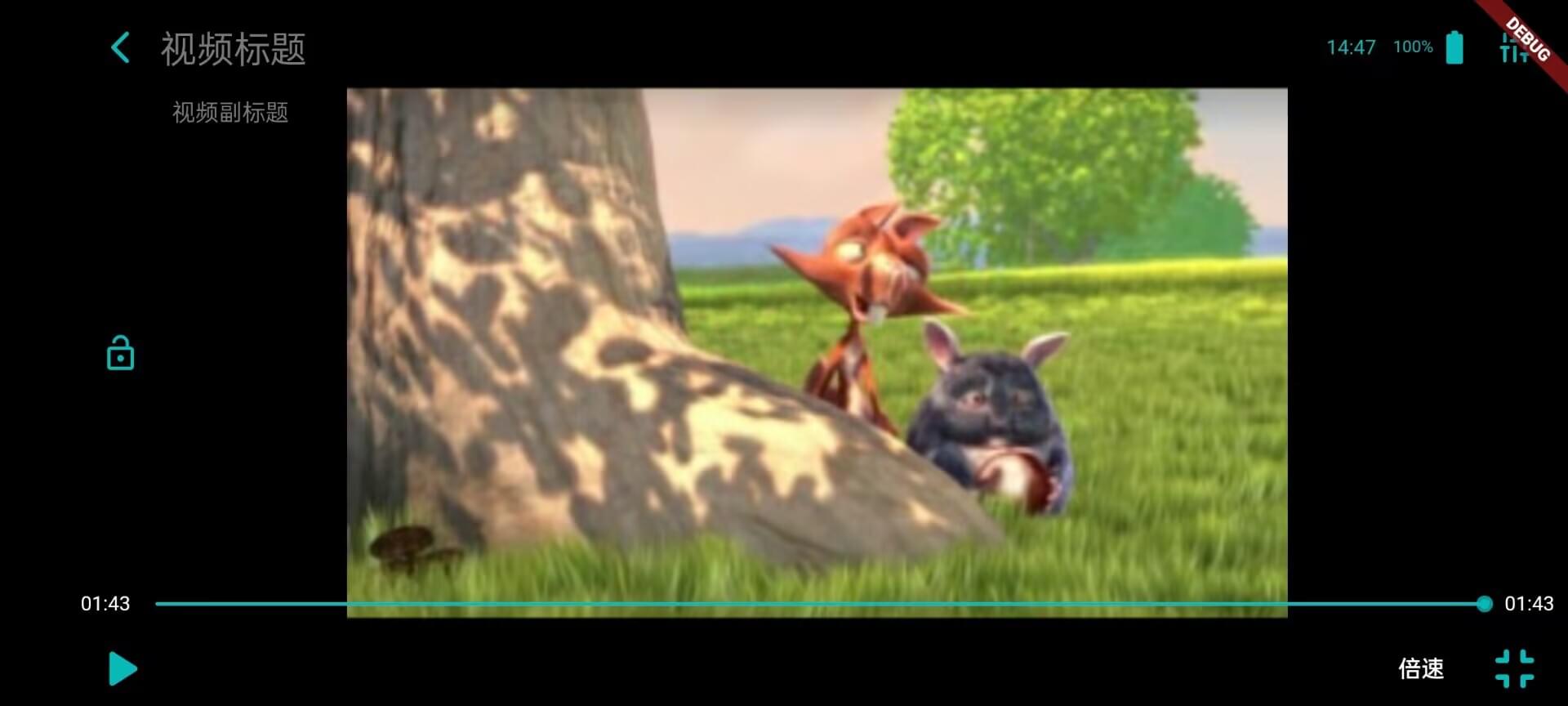
Screenshots:
| Inline mode | Fullscreen mode |
|---|---|
 |  |
Multi video setup
Configuration for playing a list of videos, for example advancing to the next episode automatically when one finishes.
Start with a few variables and a helper method:
// Video list
List<VideoItem> videoList = [
VideoItem(
title: 'Episode 1',
subTitle: 'Episode 1 subtitle',
url: 'http://player.alicdn.com/video/aliyunmedia.mp4',
),
VideoItem(
title: 'Episode 2',
subTitle: 'Episode 2 subtitle',
url: 'https://www.runoob.com/try/demo_source/mov_bbb.mp4',
),
VideoItem(
title: 'Episode 3',
subTitle: 'Episode 3 subtitle',
url: 'http://player.alicdn.com/video/aliyunmedia.mp4',
),
];
// Video index; omit it for a single video
int videoIndex = 0;
// Play the supplied URL
Future<void> setVideoUrl(String url) async {
try {
await player.setDataSource(url, autoPlay: true, showCover: true);
} catch (error) {
print("Playback error: $error");
return;
}
}
void initState() {
super.initState();
// Play the first video in the list
setVideoUrl(videoList[videoIndex].url);
}
void dispose() {
super.dispose();
player.release();
}
Then pass them to FView:
Column(
  children: [
    FView(
      player: player,
      width: double.infinity,
      height: videoHeight, // Set these yourself; width / height = 16:9 here
      color: Colors.black,
      fsFit: FFit.contain, // Fill mode in fullscreen
      fit: FFit.fill, // Fill mode in normal mode
      panelBuilder: fPanelBuilder(
        // Video list toggle
        isVideos: true,
        // Video list
        videoList: videoList,
        // Current video index
        videoIndex: videoIndex,
        // Callback for playing the next episode in fullscreen
        playNextVideoFun: () {
          setState(() {
            videoIndex += 1;
          });
        },
        // Playback completed callback
        onVideoEnd: () async {
          var index = videoIndex + 1;
          if (index < videoList.length) {
            await player.reset();
            setState(() {
              videoIndex = index;
            });
            setVideoUrl(videoList[index].url);
          }
        },
      ),
    ),
    // Custom compact video list
    Container(
      width: double.infinity,
      height: 30,
      margin: const EdgeInsets.all(20),
      child: ListView.builder(
        scrollDirection: Axis.horizontal,
        padding: EdgeInsets.zero,
        itemCount: videoList.length,
        itemBuilder: (context, index) {
          bool isCurrent = videoIndex == index;
          Color textColor = Theme.of(context).primaryColor;
          Color bgColor = Theme.of(context).primaryColorDark;
          Color borderColor = Theme.of(context).primaryColor;
          if (isCurrent) {
            textColor = Theme.of(context).primaryColorDark;
            bgColor = Theme.of(context).primaryColor;
            borderColor = Theme.of(context).primaryColor;
          }
          return GestureDetector(
            onTap: () async {
              await player.reset();
              setState(() {
                videoIndex = index;
              });
              setVideoUrl(videoList[index].url);
            },
            child: Container(
              margin: EdgeInsets.only(left: index == 0 ? 0 : 10),
              padding: const EdgeInsets.symmetric(horizontal: 5),
              decoration: BoxDecoration(
                borderRadius: BorderRadius.circular(5),
                color: bgColor,
                border: Border.all(
                  width: 1.5,
                  color: borderColor,
                ),
              ),
              alignment: Alignment.center,
              child: Text(
                videoList[index].title,
                style: TextStyle(
                  fontSize: 15,
                  color: textColor,
                ),
              ),
            ),
          );
        },
      ),
    ),
  ],
)
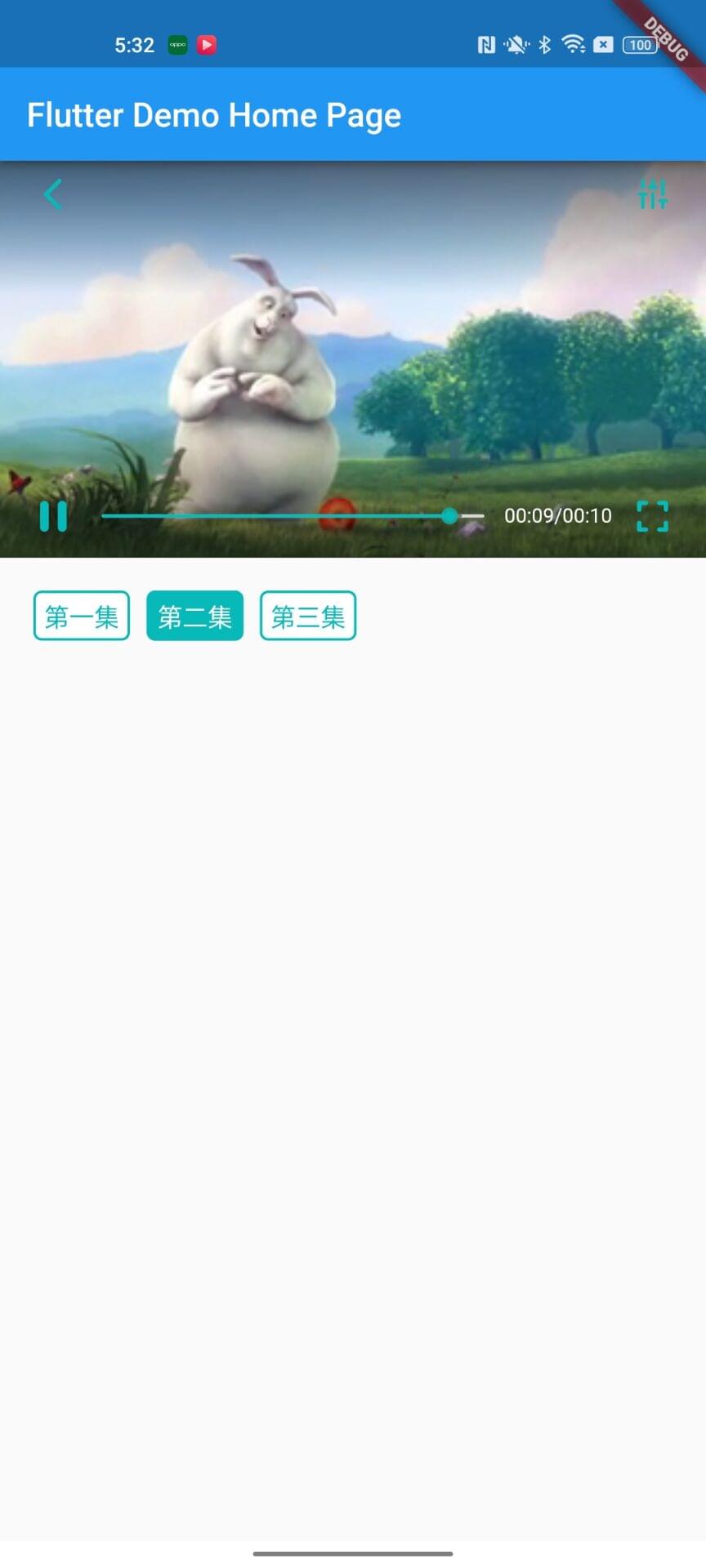
Screenshots:
| Inline mode | Fullscreen mode |
|---|---|
 | 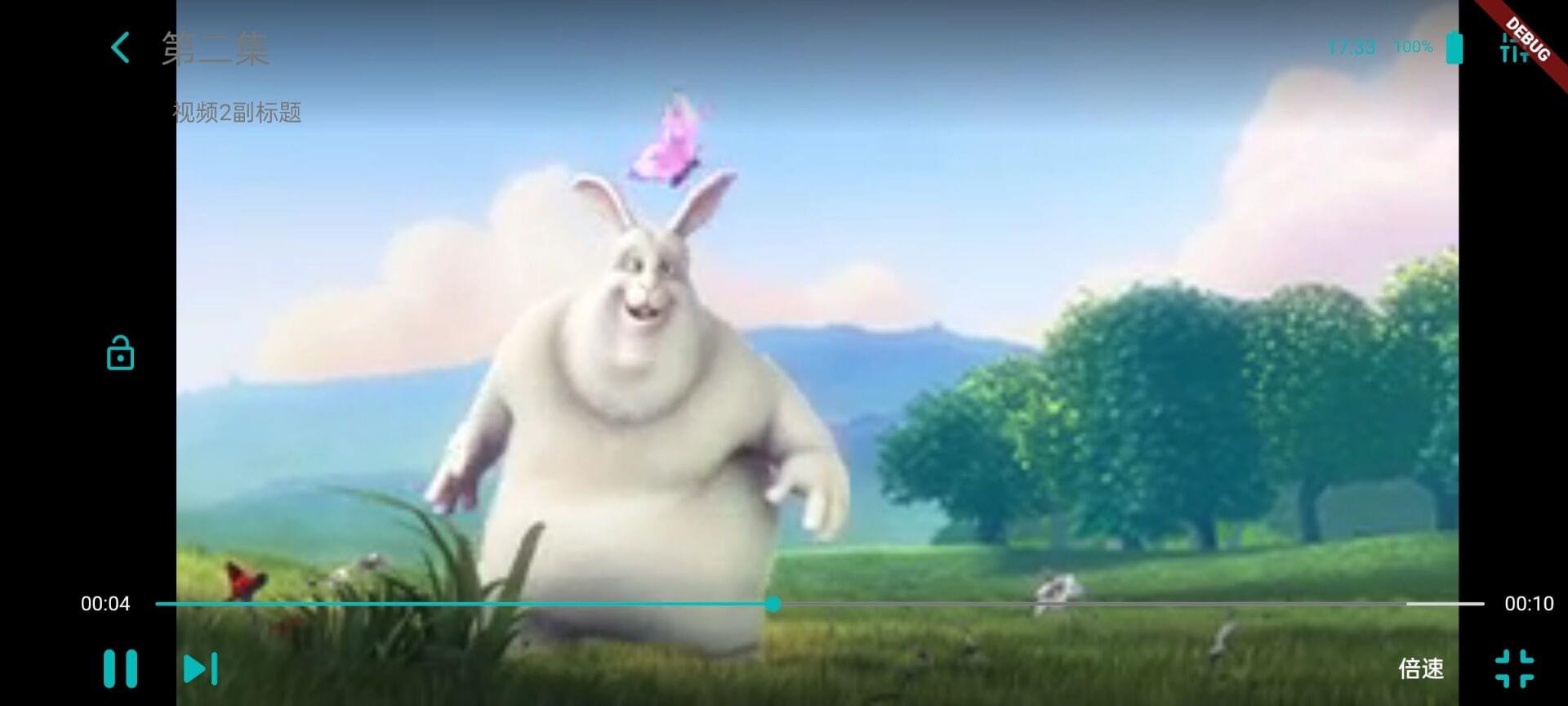 |
Features
The player has both built-in and configurable features. The built-in ones are gestures: drag horizontally to rewind or fast forward, drag vertically to adjust brightness and volume, double tap to pause or resume, and long press to speed up, then release to return to normal speed. The rest of this section covers what you can configure.
Usage:
// Playback speed list
Map<String, double> speedList = {
  "2.0": 2.0,
  "1.5": 1.5,
  "1.0": 1.0,
  "0.5": 0.5,
};

// Resolution list
Map<String, ResolutionItem> resolutionList = {
  "480P": ResolutionItem(
    value: 480,
    url: 'https://www.runoob.com/try/demo_source/mov_bbb.mp4',
  ),
  "270P": ResolutionItem(
    value: 270,
    url: 'http://player.alicdn.com/video/aliyunmedia.mp4',
  ),
};

// Progress to seek to after initialization when restoring history
int seekTime = 100000;

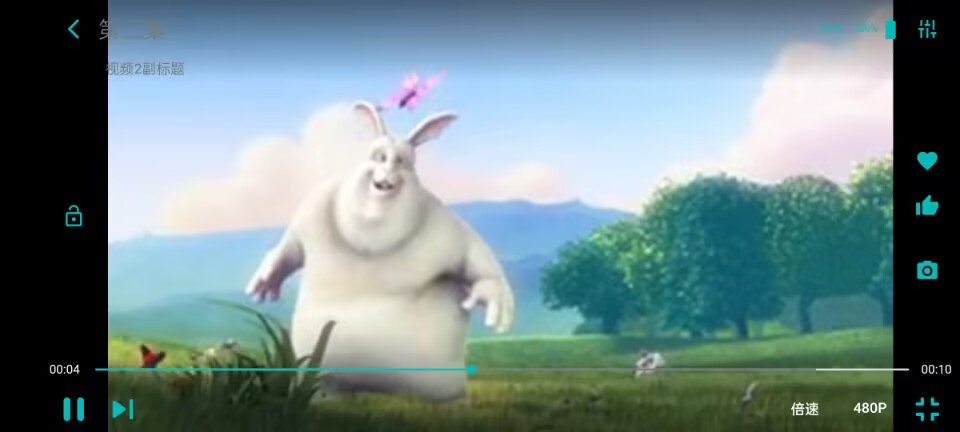
fPanelBuilder(
  // Snapshot button at bottom right
  isSnapShot: true,
  // Top-right button group toggle
  isRightButton: true,
  // Top-right button group
  rightButtonList: [
    InkWell(
      onTap: () {},
      child: Container(
        padding: const EdgeInsets.all(10),
        decoration: BoxDecoration(
          color: Theme.of(context).primaryColorLight,
          borderRadius: const BorderRadius.vertical(
            top: Radius.circular(5),
          ),
        ),
        child: Icon(
          Icons.favorite,
          color: Theme.of(context).primaryColor,
        ),
      ),
    ),
    InkWell(
      onTap: () {},
      child: Container(
        padding: const EdgeInsets.all(10),
        decoration: BoxDecoration(
          color: Theme.of(context).primaryColorLight,
          borderRadius: const BorderRadius.vertical(
            bottom: Radius.circular(5),
          ),
        ),
        child: Icon(
          Icons.thumb_up,
          color: Theme.of(context).primaryColor,
        ),
      ),
    )
  ],
  // Custom playback speed list
  speedList: speedList,
  // Resolution toggle
  isResolution: true,
  // Custom resolution list
  resolutionList: resolutionList,
  settingFun: () {
    print('Settings button clicked');
  },
  // Refresh callback for playback errors
  onError: () async {
    await player.reset();
    setVideoUrl(videoList[videoIndex].url);
  },
  onVideoTimeChange: () {
    // Fires when playback position changes; persist history here
  },
  onVideoPrepared: () async {
    // After initialization, seek to the saved position when history exists
    try {
      if (seekTime >= 1) {
        /// seekTo requires FState.prepared
        print('seekTo');
        await player.seekTo(seekTime);
        // print("Seek to $seekTime");
        seekTime = 0;
      }
    } catch (error) {
      print("Seek after initialization failed: $error");
    }
  },
)
Screenshot:
API
Properties
| Name | Type | Description |
|---|---|---|
| title | String | Video title in single video mode |
| subTitle | String | Video subtitle in single video mode |
| isSnapShot | bool | Whether to show the snapshot button. Defaults to false |
| isRightButton | bool | Whether to show the button group at the top right of the fullscreen area. Defaults to false |
| rightButtonList | List<Widget>? | Button group at the top right of the fullscreen area; three buttons or fewer is recommended |
| isVideos | bool | Whether to use multi video mode. Defaults to false |
| videoList | List<VideoItem>? | List of videos for multi video mode |
| speedList | Map<String, double>? | Playback speed list; must include 1.0x |
| isResolution | bool | Whether to show the resolution button. Defaults to false |
| resolutionList | Map<String, ResolutionItem>? | Resolution list |
Methods
| Method name | Description |
|---|---|
| playNextVideoFun | Fires when the play next button is tapped in multi video fullscreen mode |
| settingFun | Fires when the settings button at the top right is tapped |
| onError | Callback for tapping refresh after a playback error |
| onVideoEnd | Fires when a video finishes playing |
| onVideoTimeChange | Fires once whenever the playback position changes, so you can save progress |
| onVideoPrepared | Fires when the video is ready; seek to a saved position here if you have one |